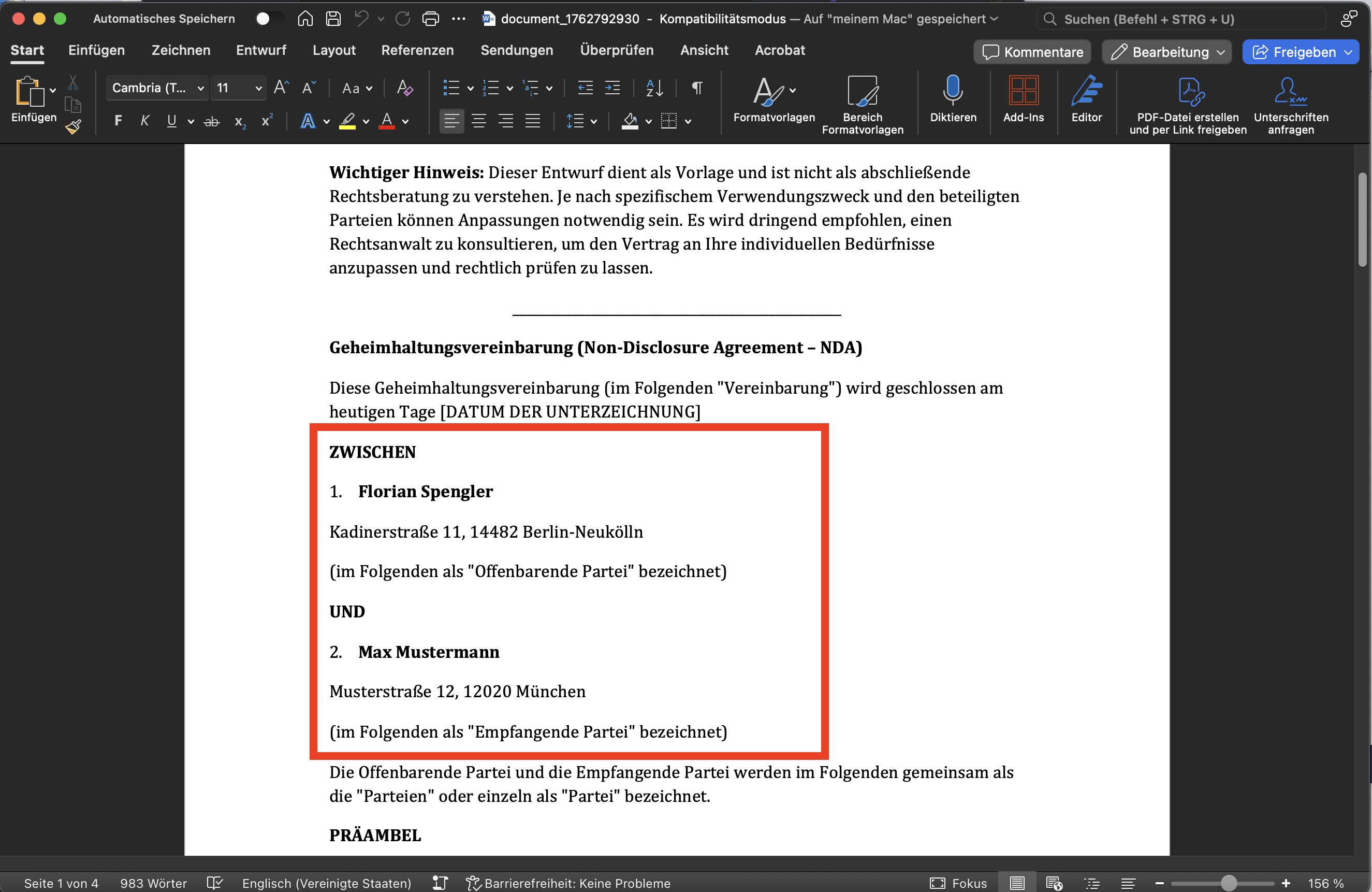
With the new update, you can export your created content directly as a Word file (.docx).
This feature is available to you model-independently , no matter which AI model you use in NENNA.
Advantages
Fast export into an editable format
Automatic anonymization and de-anonymization
Usable independently of the AI model used
Step-by-step guide
Create your content
Use any model (e.g. the Google model) and enter your prompt. Example: "Create an NDA between me and Mr. Mustermann."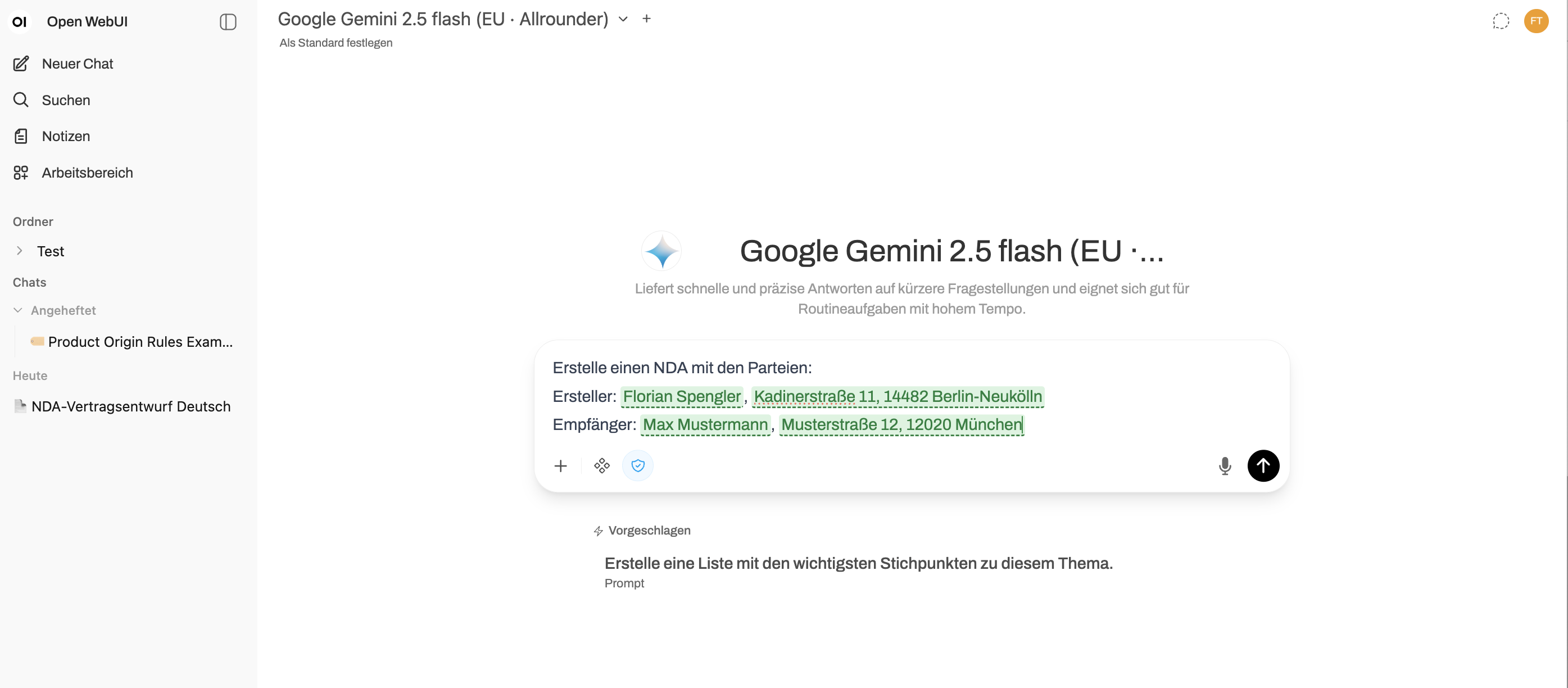
Wait for the generation
The model creates your document as usual.
Masking and personal data are automatically taken into account.Export as a Word file
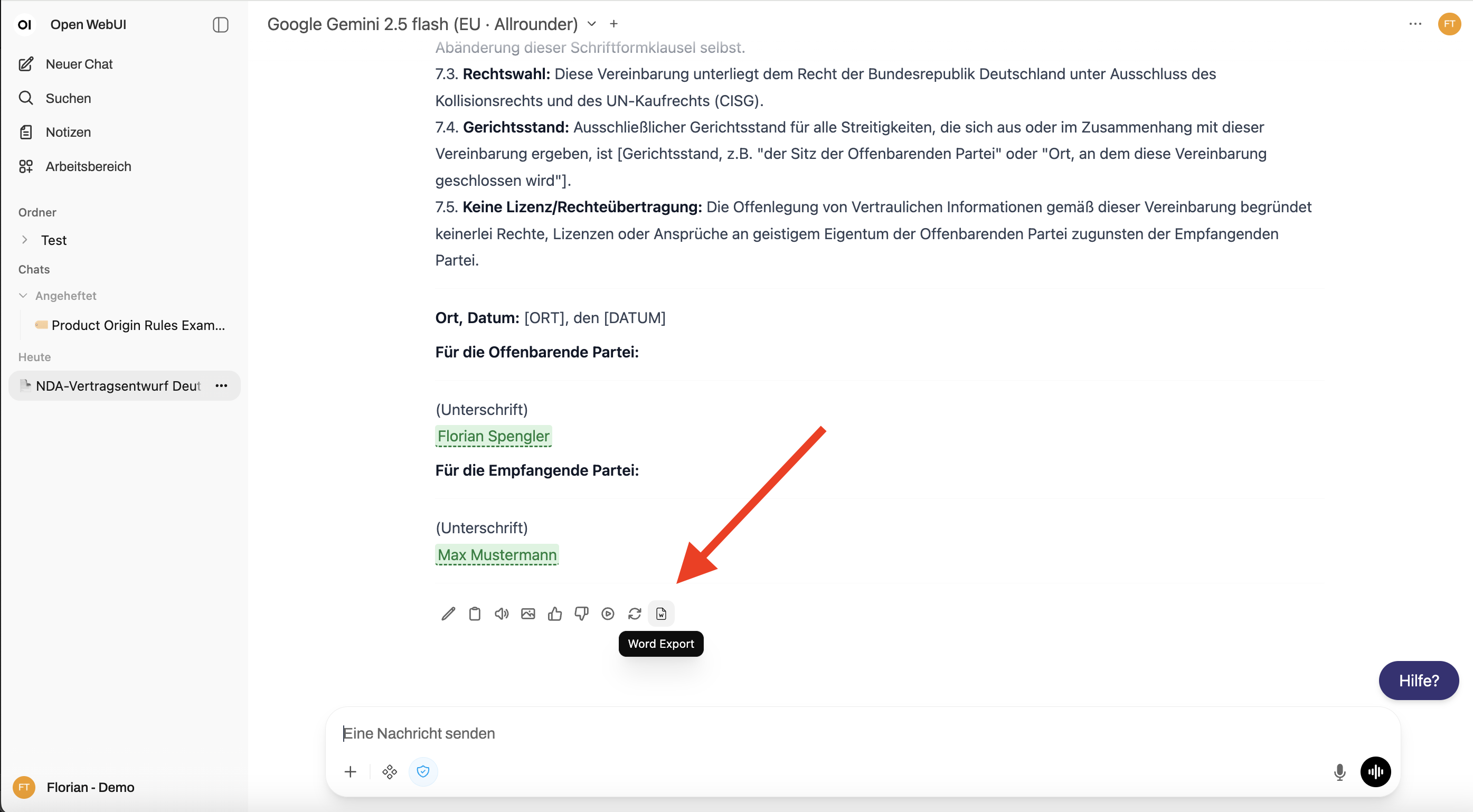
After generation, you'll find the "Word Export" button at the bottom of the menu
Click it to download your document as
.docxThe exported file is automatically anonymized
Open the file and keep editing
Open the file from your download folder in your browser
When opened, the anonymized data is de-anonymized , meaning your real data is correctly inserted
Now you can keep editing your document directly in Word