
Sub Agents must be enabled before you can use them. If the feature is not enabled, Sub Agents are not available to you. How administrators enable the feature is covered in the article "Administering and configuring Sub Agents".
What are Sub Agents?
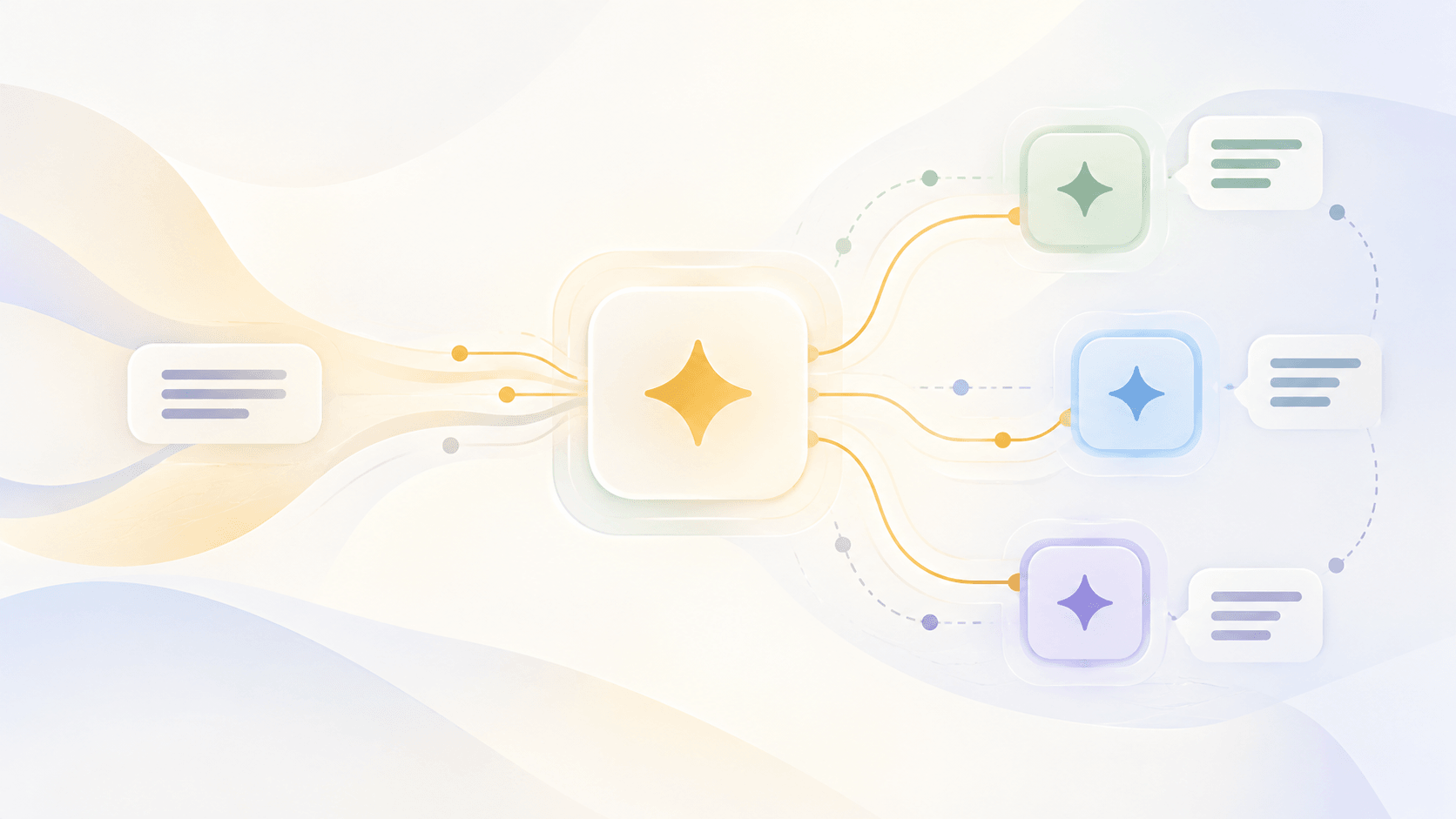
A Sub Agent is an additional AI agent that the main model uses for a specific subtask. The main model coordinates the work and processes the results further. Each Sub Agent focuses on its own task.
An example: you want to compare three large documents. NENNA splits the task like this:
Sub Agent 1 analyzes document A.
Sub Agent 2 analyzes document B.
Sub Agent 3 analyzes document C.
The main agent compares the results and writes a combined summary.
You do not have to create or configure Sub Agents yourself. Just ask NENNA in your prompt to use Sub Agents for the task.
When Sub Agents make sense
Sub Agents help most when a large task can be split into several independent parts. Typical uses are:
analyzing or comparing several documents
examining large amounts of information
researching different aspects of a topic
developing different solution approaches
comparing several offers or concepts
reviewing long texts from different perspectives
analyzing complex tasks first and summarizing afterwards
How to use Sub Agents
Ask for them directly in your prompt. The main model handles the coordination.
"Use 3 Sub Agents and analyze the attached documents. Each Sub Agent should examine one document. Then compare the key statements and summarize the differences clearly."
This prompt is a simple way to start:
"Use several Sub Agents to split this task into sensible subtasks. Work on the subtasks and then combine the results into one answer."
Describe a clear goal and the subtasks you want. You do not have to specify how NENNA carries out each step technically.
Example prompts
The following examples show typical tasks that can be handled with Sub Agents.
Comparing several documents
You have received several offers and want to compare them.
"Analyze the three uploaded offers. Use Sub Agents to examine the documents separately. Then compare prices, included services, terms, cancellation conditions, and any visible differences. Finally, create a clear comparison table and summarize the most important differences."
NENNA looks at each document independently first and then combines the results.
Examining a topic from several perspectives
Sub Agents can take on different focus areas of the same task.
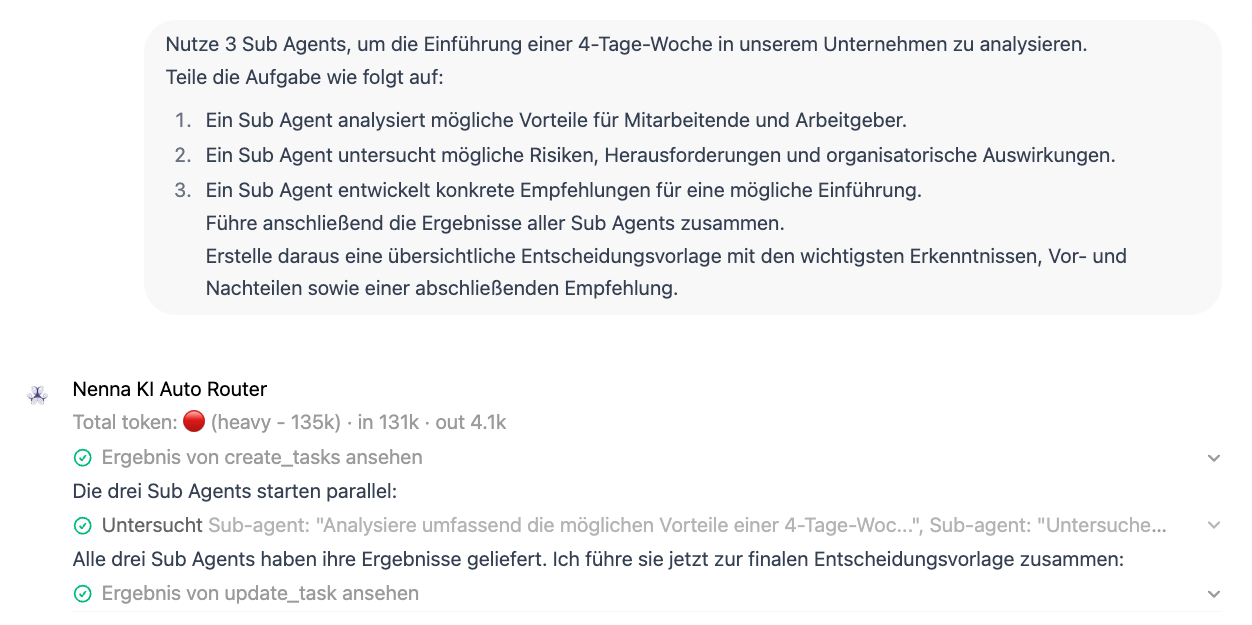
"Use 3 Sub Agents to evaluate the proposed project. Agent 1 should examine possible benefits. Agent 2 should identify risks and open questions. Agent 3 should consider possible alternatives. Then combine the results and create a decision paper."
This gives you several points of view in one analysis.
Large research tasks
Larger research tasks can be split up too.
"Examine the topic using several Sub Agents. Split the research into market, technology, and possible risks. Then summarize the key findings and mark points where more information is needed."
NENNA examines the topic areas separately and then evaluates them together.
Reviewing large documents
With long documents, you can have different questions examined separately. This helps most with contracts, concepts, policies, and reports.
"Analyze the uploaded document with several Sub Agents. Check separately:"
important deadlines and dates
financial obligations
responsibilities and duties
possible risks and unclear wording
"Then combine the results in a structured overview."
Developing several solution approaches
Sub Agents can also develop different solution approaches independently of each other.
"Use 3 Sub Agents. Each agent should independently develop a solution approach for the problem described. Then compare the three approaches by effort, advantages, disadvantages, and risks. After that, give me a recommendation."
This way the analysis does not settle on a single solution too early.
Files and Sub Agents
Files you attach to the chat can be part of a task with Sub Agents. NENNA passes a Sub Agent the information it needs for its subtask.
Not every Sub Agent automatically gets every file. So describe as clearly as possible which files or information should be examined.
For example:
"Use a separate Sub Agent for each of the three uploaded reports and then compare the results."
Tips for good prompts
Your prompts do not have to be complicated. The more clearly you describe the task, the better NENNA splits it up. A good prompt ideally contains:
the result you want
the information or documents to be examined
the focus areas you want
the form you want the final answer in
You can set the number of Sub Agents, for example with "Use 4 Sub Agents." Or you can leave the split to NENNA:
"Use Sub Agents if parts of this task can sensibly be worked on in parallel."
For large tasks, the second option works well. NENNA then decides itself which parts suit delegation.
When you do not need Sub Agents
For simple tasks, a normal request is usually enough, for example:
writing a short email
summarizing a text
explaining a term
translating a text
finding a single piece of information in a document
Sub Agents are meant for large tasks where several subtasks can be worked on independently of each other. For simple tasks, extra agents usually bring no advantage.
Frequently asked questions
Answers to the most common questions about Sub Agents.
Do I have to create Sub Agents myself?
No. The Sub Agents are used within your request. You do not have to create or configure any agents of your own.
Do I always have to say how many Sub Agents to use?
No. You can either name a specific number or ask NENNA to use Sub Agents wherever a split makes sense.
Do the Sub Agents work at the same time?
Independent subtasks can be worked on in parallel. This lets large analyses in particular be processed more efficiently.
Can I see the work of the individual Sub Agents?
While it works, NENNA can show that tasks are being delegated to Sub Agents. For your actual work, though, the combined result matters most.
Are Sub Agents better for every request?
No. For simple tasks, extra Sub Agents usually bring no advantage. Use the feature mainly for large analyses, comparisons, and tasks with several clearly separable areas.
In short
Sub Agents help NENNA split up complex tasks. Additional AI agents take on individual subtasks, and the main model coordinates the work and combines the results.
The feature is especially helpful for document analysis, comparisons, large research tasks, and tasks with several different questions.
A simple way to start: "Use several Sub Agents to split this task into sensible subtasks. Work on the subtasks and then combine the results into one answer."